Nuxt 4 Mapbox: How to Add Interactive Maps with Mapbox GL JS
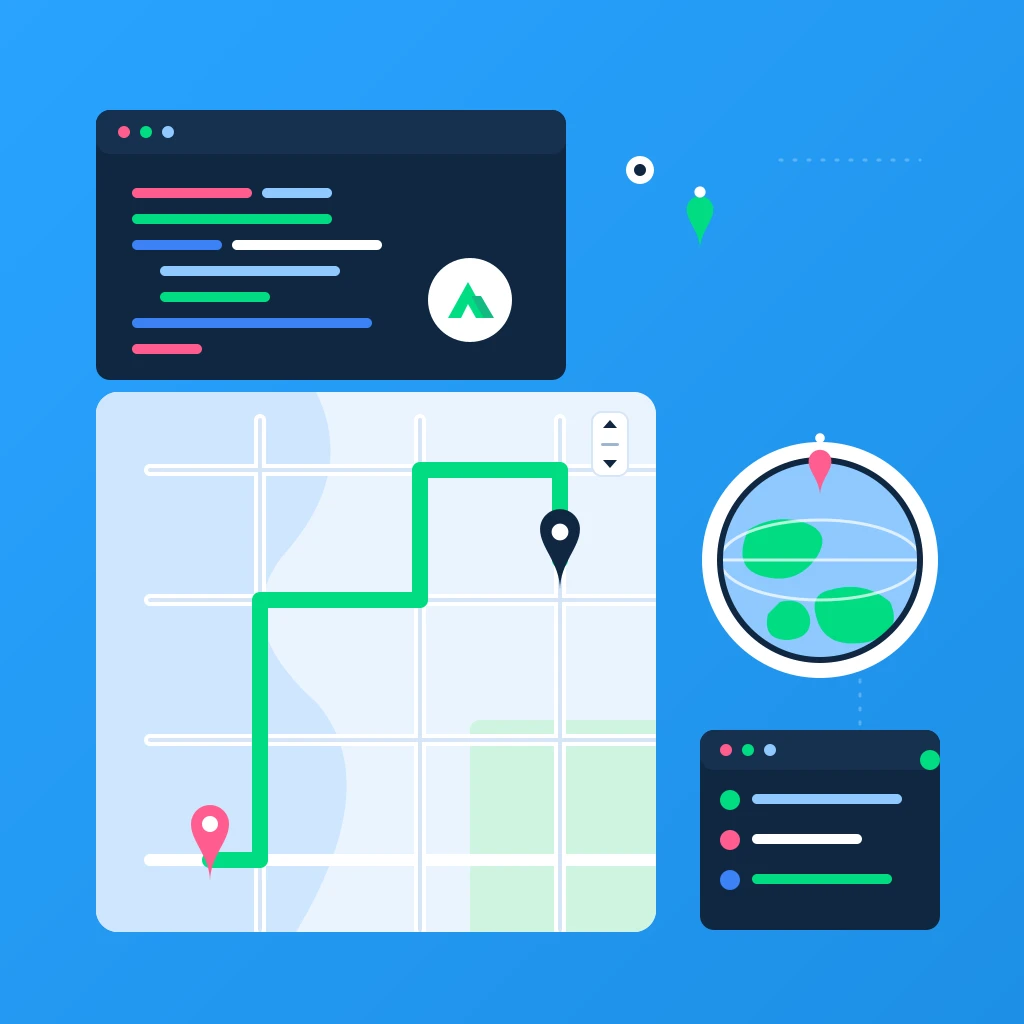
This is a complete, practical guide to using Mapbox with Nuxt 4. By the end you'll have an interactive, fully reactive map built with Mapbox GL JS inside a Nuxt 4 + TypeScript app — including markers, popups, navigation controls and a GeoJSON layer — plus fixes for the SSR pitfalls that trip most people up.
Mapbox is one of the most popular ways to add maps to a web app, and Nuxt 4 is a great fit for it. The one catch: Mapbox GL JS is a browser-only WebGL library, so it can't run during server-side rendering. The trick to a clean Nuxt 4 Mapbox setup is making the map client-only and wiring your access token through runtimeConfig. We'll cover exactly that.
Tags: Nuxt 4, Mapbox, Mapbox GL JS, TypeScript, Vue 3
Time to read: 11 min
What you'll build: a reusable <MapboxMap> component for Nuxt 4 with a custom marker, a popup, a navigation control and a GeoJSON layer — all reactive and SSR-safe.
Prerequisites
- Familiarity with the command line
- Node.js 20+ installed
- Basic Vue 3 / Nuxt knowledge (Composition API,
<script setup>) - A free Mapbox account and a public access token
1) Create a Nuxt 4 app
If you don't have a Nuxt 4 project yet, scaffold one with nuxi:
npx nuxi@latest init nuxt4-mapbox
cd nuxt4-mapbox
npm install
Start the dev server to confirm everything works:
npm run dev
Open http://localhost:3000. Nuxt 4 uses the new app/ directory structure by default, so your pages live in app/pages/ and components in app/components/.
2) Install Mapbox GL JS
Install the Mapbox GL JS library. It ships its own TypeScript types, so there's nothing extra to add for TypeScript support:
npm i mapbox-gl
Note on packages:
mapbox-glis the core map library and is all you need for an interactive map. You only need the separate@mapbox/mapbox-gl-directionsor@mapbox/mapbox-sdkpackages if you want routing or to call Mapbox web services.
3) Configure your Mapbox access token
Never hard-code your token in a component. Create a .env file at the project root:
NUXT_PUBLIC_MAPBOX_TOKEN=pk.YOUR_MAPBOX_PUBLIC_TOKEN
Then expose it through runtimeConfig.public in nuxt.config.ts. Anything under public is sent to the browser, which is correct here — Mapbox public tokens (the ones starting with pk.) are designed to be used client-side:
// nuxt.config.ts
export default defineNuxtConfig({
  devtools: { enabled: true },
  typescript: { strict: true },
  runtimeConfig: {
    public: {
      mapboxToken: process.env.NUXT_PUBLIC_MAPBOX_TOKEN || ''
    }
  },
  app: {
    head: {
      // Speeds up the first map load a little
      link: [
        { rel: 'preconnect', href: 'https://api.mapbox.com' },
        { rel: 'preconnect', href: 'https://events.mapbox.com' }
      ]
    }
  }
})
Because the env var is prefixed with NUXT_PUBLIC_, Nuxt automatically maps it onto runtimeConfig.public.mapboxToken at runtime — handy for production where you set the variable on the server instead of committing a .env file.
Restart the dev server after creating the .env file so Nuxt picks it up.
Security tip: In the Mapbox dashboard, restrict your public token with URL restrictions (your
localhostand your production domain) so it can't be reused on other sites.
4) Why the map must be client-only
Mapbox GL JS needs window, document and a WebGL canvas. None of those exist during Nuxt's server-side render, so importing and instantiating the map on the server throws errors like window is not defined or ReferenceError: document is not defined.
In Nuxt 4 there are two clean ways to keep a component out of SSR:
- Name the file with a
.client.vuesuffix — Nuxt renders it only in the browser. - Wrap it in the built-in
<ClientOnly>component.
We'll use the .client.vue suffix for the map itself, which is the simplest and most reliable approach.
5) Build a reusable Mapbox map component
Create app/components/MapboxMap.client.vue. This component initializes the map on mount, accepts reactive props for center and zoom, adds a marker, a popup and a navigation control, and — importantly — cleans the map up when the component unmounts:
<script setup lang="ts">
import { onMounted, onBeforeUnmount, ref, watch } from 'vue'
import mapboxgl, { Map, Marker, Popup } from 'mapbox-gl'
import 'mapbox-gl/dist/mapbox-gl.css'

const props = withDefaults(defineProps<{
  center?: [number, number] // [lng, lat]
  zoom?: number
  style?: string
}>(), {
  center: () => [-0.1276, 51.5072], // London
  zoom: 11,
  style: 'mapbox://styles/mapbox/streets-v12'
})

const emit = defineEmits<{
  (e: 'load', map: Map): void
  (e: 'move', center: { lng: number; lat: number }): void
}>()

const config = useRuntimeConfig()
const mapContainer = ref<HTMLDivElement | null>(null)

let map: Map | null = null
let marker: Marker | null = null

onMounted(() => {
  const token = config.public.mapboxToken as string
  if (!token) {
    console.error('Missing NUXT_PUBLIC_MAPBOX_TOKEN — add it to your .env file.')
    return
  }

  mapboxgl.accessToken = token

  map = new mapboxgl.Map({
    container: mapContainer.value as HTMLDivElement,
    style: props.style,
    center: props.center,
    zoom: props.zoom
  })

  // Zoom + rotation controls (top-right)
  map.addControl(new mapboxgl.NavigationControl(), 'top-right')

  // A draggable marker with a popup
  const popup = new mapboxgl.Popup({ offset: 24 }).setHTML(
    '<strong>Hello from Nuxt 4 + Mapbox</strong>'
  )

  marker = new mapboxgl.Marker({ color: '#00DC82', draggable: true })
    .setLngLat(props.center)
    .setPopup(popup)
    .addTo(map)

  map.on('load', () => emit('load', map as Map))
  map.on('moveend', () => {
    if (!map) return
    const c = map.getCenter()
    emit('move', { lng: c.lng, lat: c.lat })
  })
})

// Keep the map in sync when props change from the parent
watch(() => props.center, (next) => {
  if (map && next) {
    map.flyTo({ center: next, essential: true })
    marker?.setLngLat(next)
  }
})

watch(() => props.zoom, (next) => {
  if (map && typeof next === 'number') map.setZoom(next)
})

// Avoid memory leaks: always destroy the map instance
onBeforeUnmount(() => {
  map?.remove()
  map = null
})
</script>

<template>
  <div ref="mapContainer" class="mapbox-map" />
</template>

<style scoped>
.mapbox-map {
  width: 100%;
  height: 70vh;
  border-radius: 12px;
  overflow: hidden;
}
</style>
A few things worth calling out:
useRuntimeConfig()reads the token at runtime, so you never bundle a secret literal into your code.- The container needs an explicit height. Mapbox renders into the element you point it at — if that element has zero height, the map is invisible. The
70vhin the scoped style guarantees a visible map. - Cleanup matters. Calling
map.remove()inonBeforeUnmountfrees the WebGL context. Skip this and you'll leak memory when navigating between pages.
6) Use the component on a page
Create app/pages/map.vue. Nuxt 4 auto-imports components from app/components/, so there's no manual import needed:
<script setup lang="ts">
import { ref } from 'vue'
import type { Map } from 'mapbox-gl'

const center = ref<[number, number]>([-0.1276, 51.5072])
const zoom = ref(11)

const cities: Record<string, [number, number]> = {
  London: [-0.1276, 51.5072],
  'New York': [-74.006, 40.7128],
  Tokyo: [139.6917, 35.6895]
}

function goTo(city: string) {
  center.value = cities[city]
}

function onLoad(map: Map) {
  console.log('Map loaded with', map.getStyle().name)
}

useHead({ title: 'Nuxt 4 + Mapbox demo' })
</script>

<template>
  <div class="page">
    <h1>Nuxt 4 + Mapbox</h1>

    <div class="toolbar">
      <button v-for="(_, name) in cities" :key="name" @click="goTo(name)">
        Fly to {{ name }}
      </button>
      <label>
        Zoom
        <input v-model.number="zoom" type="range" min="2" max="18" step="0.5" />
      </label>
    </div>

    <ClientOnly>
      <MapboxMap
        :center="center"
        :zoom="zoom"
        @load="onLoad"
        @move="(c) => console.log('center', c)"
      />
      <template #fallback>
        <div class="map-skeleton">Loading map…</div>
      </template>
    </ClientOnly>
  </div>
</template>

<style scoped>
.page { max-width: 1100px; margin: 0 auto; padding: 24px; display: grid; gap: 16px; }
.toolbar { display: flex; gap: 12px; align-items: center; flex-wrap: wrap; }
button { padding: 8px 14px; border: 0; border-radius: 8px; background: #0F2742; color: #fff; cursor: pointer; }
.map-skeleton { height: 70vh; border-radius: 12px; background: #eaf4ff; display: grid; place-items: center; color: #64748b; }
</style>
Even though MapboxMap is already client-only via its filename, wrapping it in <ClientOnly> lets you provide a #fallback skeleton that renders during hydration so there's no layout jump.
Visit http://localhost:3000/map. You should see a Mapbox map with a green draggable marker, working zoom controls, and three buttons that smoothly fly the camera between cities.
7) Add a GeoJSON layer
Markers are perfect for a handful of points, but for many features (routes, regions, hundreds of points) you want a GeoJSON source + layer, which Mapbox renders on the GPU. Add this to the map.on('load', …) callback inside MapboxMap.client.vue:
map.on('load', () => {
  if (!map) return

  map.addSource('places', {
    type: 'geojson',
    data: {
      type: 'FeatureCollection',
      features: [
        {
          type: 'Feature',
          geometry: { type: 'Point', coordinates: [-0.1419, 51.5014] },
          properties: { title: 'Buckingham Palace' }
        },
        {
          type: 'Feature',
          geometry: { type: 'Point', coordinates: [-0.1246, 51.5007] },
          properties: { title: 'Big Ben' }
        }
      ]
    }
  })

  map.addLayer({
    id: 'places-circles',
    type: 'circle',
    source: 'places',
    paint: {
      'circle-radius': 8,
      'circle-color': '#FF5D8F',
      'circle-stroke-width': 2,
      'circle-stroke-color': '#ffffff'
    }
  })

  // Click a circle to show its title in a popup
  map.on('click', 'places-circles', (e) => {
    const f = e.features?.[0]
    if (!f || f.geometry.type !== 'Point') return
    new mapboxgl.Popup()
      .setLngLat(f.geometry.coordinates as [number, number])
      .setHTML(`<strong>${f.properties?.title}</strong>`)
      .addTo(map as Map)
  })

  // Pointer cursor on hover
  map.on('mouseenter', 'places-circles', () => {
    if (map) map.getCanvas().style.cursor = 'pointer'
  })
  map.on('mouseleave', 'places-circles', () => {
    if (map) map.getCanvas().style.cursor = ''
  })

  emit('load', map)
})
To update the data later (for example, after fetching from an API), grab the source and call setData:
const source = map.getSource('places') as mapboxgl.GeoJSONSource
source.setData(newFeatureCollection)
8) Production notes
- Token in production: Set
NUXT_PUBLIC_MAPBOX_TOKENas an environment variable on your host (Vercel, Netlify, your own server) instead of committing.env. Nuxt's runtime config picks it up automatically. - Resize handling: If your map lives in a panel that resizes (a sidebar toggling, a tab becoming visible), call
map.resize()after the container changes size, otherwise the canvas keeps its old dimensions. - Bundle size: Mapbox GL JS is fairly large. Keeping it in a
.client.vuecomponent means it's only loaded in the browser and never bloats your server bundle. - Styling: Swap
mapbox://styles/mapbox/streets-v12foroutdoors-v12,satellite-streets-v12,light-v11ordark-v11, or design a custom style in Mapbox Studio and paste its style URL.
Troubleshooting common Nuxt 4 + Mapbox errors
window is not defined / document is not defined — Your map code ran on the server. Make sure the component file ends in .client.vue (or is wrapped in <ClientOnly>) and that you don't import 'mapbox-gl' at the top level of a server-rendered file.
An API access token is required to use Mapbox GL JS — config.public.mapboxToken is empty. Confirm .env exists, the variable is named exactly NUXT_PUBLIC_MAPBOX_TOKEN, and that you restarted the dev server.
The map container is blank / zero height — The element Mapbox renders into has no height. Give the container an explicit height (like the 70vh above), not just height: 100% on a parent that itself collapses.
Map tiles look stretched or off after a layout change — Call map.resize() once the container has its final size.
FAQ
Does Mapbox work with Nuxt 4 and SSR?
Yes. Nuxt 4 fully supports Mapbox — you just have to keep the map out of server-side rendering. Use a .client.vue component or <ClientOnly> so Mapbox GL JS only runs in the browser, where WebGL and the DOM are available.
Do I need a Nuxt module to use Mapbox?
No. You can use mapbox-gl directly, as shown here. Community modules exist, but a thin client-only component gives you full control over the Mapbox API and fewer moving parts to maintain.
Where should I store my Mapbox access token in Nuxt 4?
In an environment variable (NUXT_PUBLIC_MAPBOX_TOKEN) exposed through runtimeConfig.public. Mapbox public tokens (pk.…) are meant to be used in the browser, so this is safe — but always add URL restrictions to the token in the Mapbox dashboard.
How do I add many points efficiently?
Use a GeoJSON source with a circle or symbol layer (see step 7) instead of one Marker per point. Layers are GPU-rendered and scale to thousands of features; DOM markers don't.
Mapbox GL JS vs MapLibre GL JS in Nuxt 4?
The integration pattern is identical — both are WebGL map libraries that must be client-only. If you'd rather avoid Mapbox's token and pricing, MapLibre is an open-source fork: swap the import to maplibre-gl and drop the accessToken line.
Conclusion
You now have a production-ready pattern for Mapbox in Nuxt 4:
- A token wired safely through
runtimeConfig - A reusable, SSR-safe
.client.vuemap component - Reactive props that drive
flyTo/setZoom - Markers, popups, navigation controls and a GeoJSON layer
- Clean teardown and fixes for the usual SSR gotchas
From here you can layer on routing with the Directions API, clustering for large datasets, 3D terrain, or a custom Mapbox Studio style. The core Nuxt 4 + Mapbox foundation stays exactly the same.